Free for Mac · macOS 11+
More than buttons.
Tactyl turns an ESP32 touchscreen board into a control panel for your desk: shortcuts, live stats, music, meetings and a clock, on one 4" screen that follows what you’re doing on your Mac.
macOS only for now. Windows is next. Free version: 3 screens, USB only, no add-ons.
Recorded from the real firmware. Music, calendar and Mac name are sample data.
Buttons are just the start.
Every screen is a grid of modules. Mix them however you like.
-
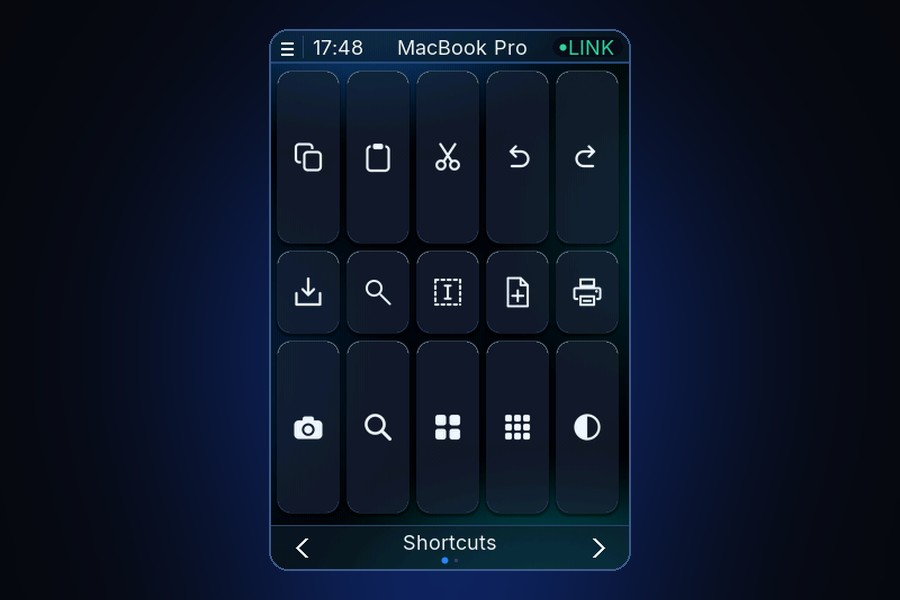
Shortcuts
One tap for any key combo, app or action.
-
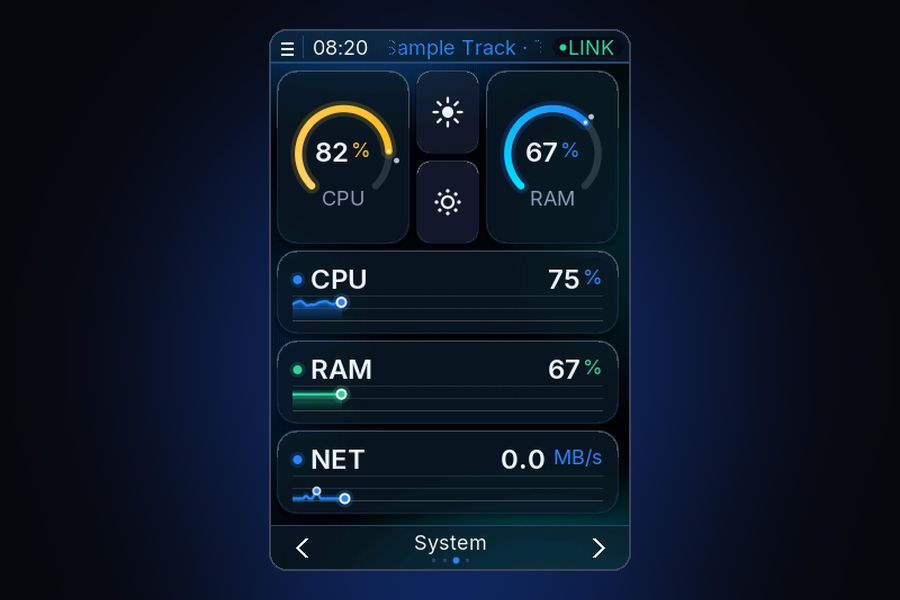
Live stats
CPU, RAM, disk, battery and network, as numbers or graphs.
-
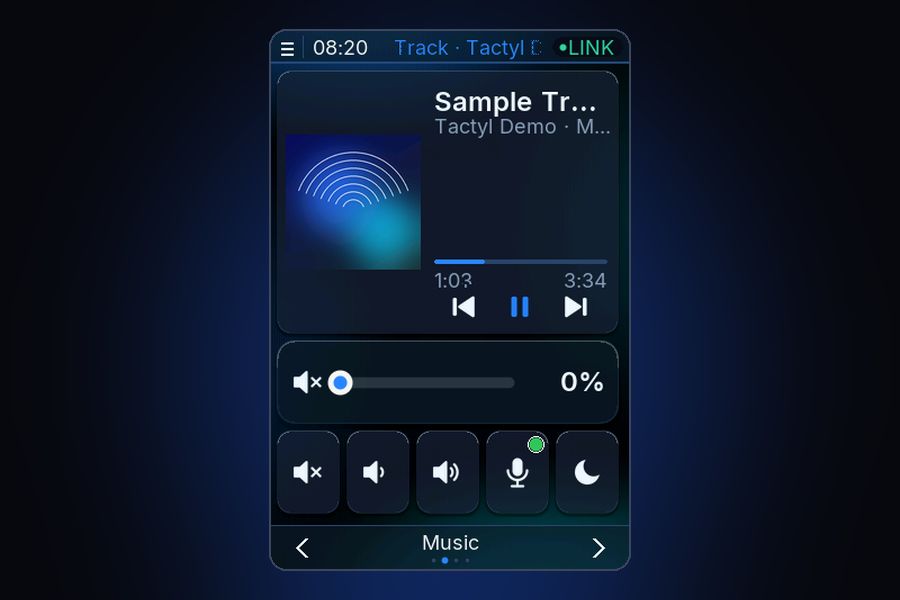
Now playing
Cover art, track, time and controls.
-
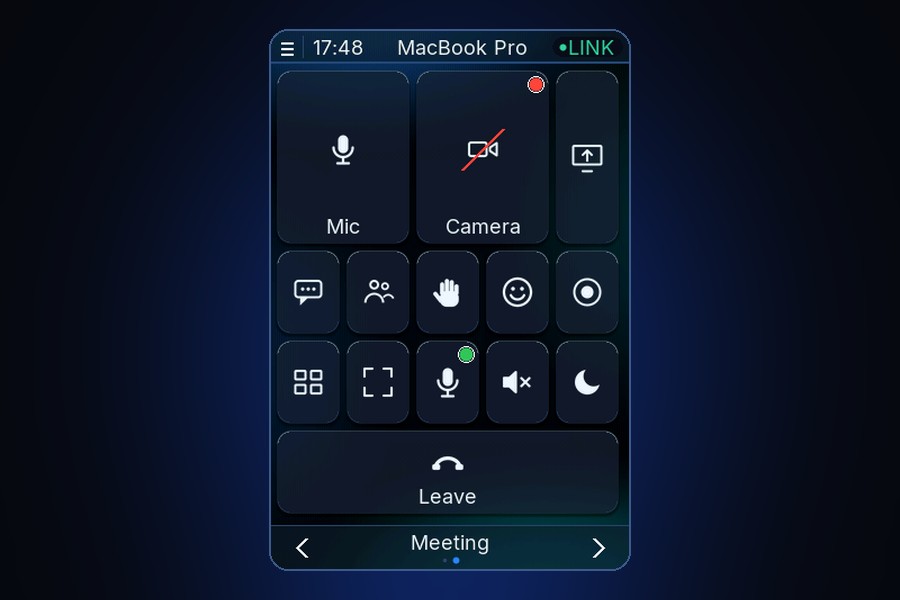
Meetings
Mic, camera, share, leave. The button shows if you’re muted.
-
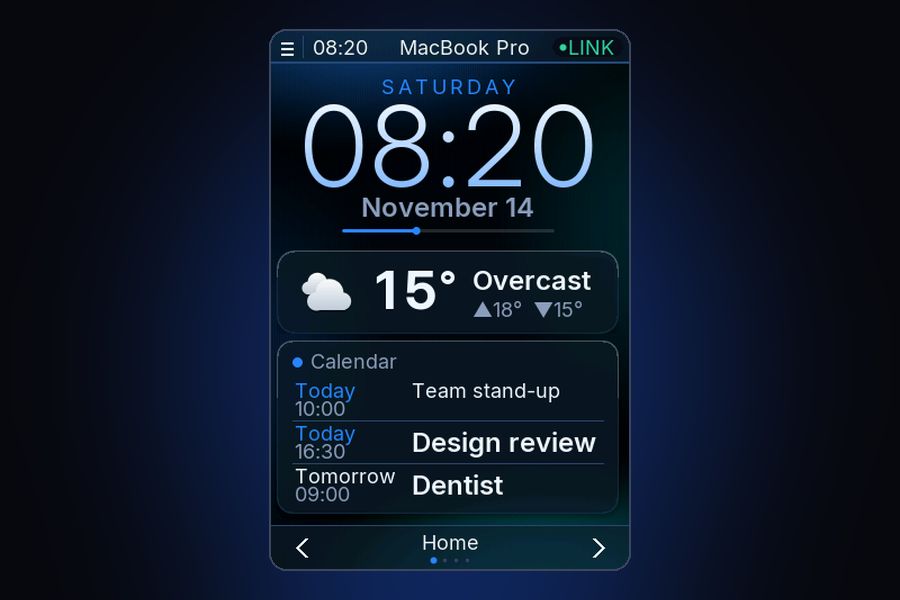
Clock & weather
A desk clock that’s actually useful.
- Real photo coming Browser
Browser
Your open tabs and bookmarks, one tap away.
-
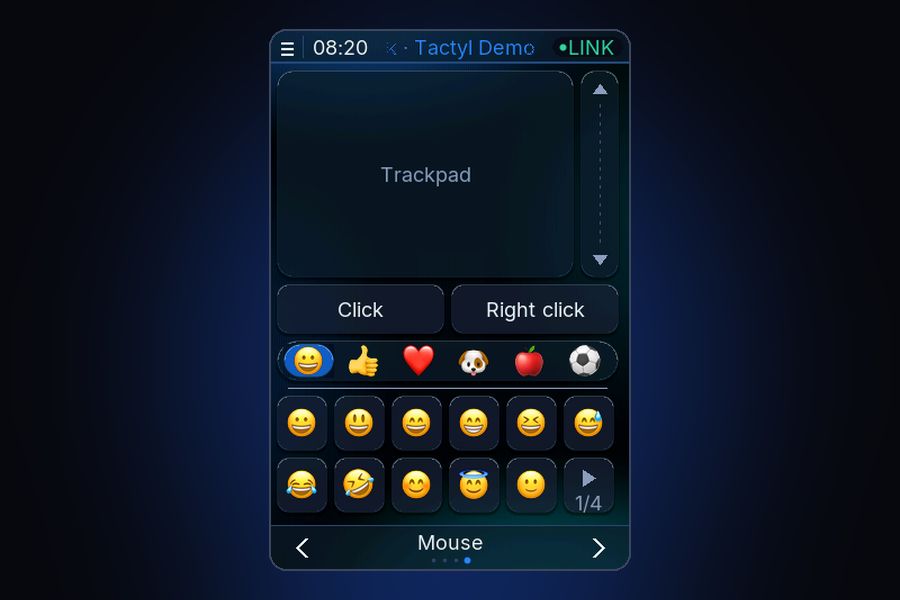
Numpad & trackpad
For when your keyboard doesn’t have one.
- Real photo coming Photo frame
Photo frame
Your photos when you’re not using it.
- Real photo coming Smart home
Smart home
Lights, plugs and scenes, with their state.
Open an app. The panel follows.
Switch to Photoshop and your Photoshop screen appears. Join a Zoom call and the meeting controls are there before you look for them. Put your Mac to sleep and the panel sleeps with it.
Recorded from the real firmware. Music, calendar and Mac name are sample data.
Three steps. No soldering, no compiling.
-
Get the board.
The Hosyond ESP32-32E with a 4" touchscreen. About €23 on Amazon.
Which board exactly → -
Print a case.
Pick one of our designs — several are free. No printer? It works bare on a stand too.
-
Download the app.
Plug the board in over USB. Tactyl flashes it for you, and you’re done.
Built for the apps you live in.
Add-ons bring ready-made screens and buttons for specific tools. They need Pro.
-
Meetings
Finally know if you’re muted.
A screen for every call app, with the buttons you reach for most. It comes up by itself when a meeting is in front.
See add-on → -
Now Playing
Your desk shows what’s playing.
Cover art, title, artist and a progress bar, with the controls underneath. It looks good even when you don’t touch it.
See add-on → -
Google tools
The shortcuts you never remember, one tap each.
A screen for each Google tool, with the formatting and actions you use every day. It switches when you change tab.
See add-on → -
Smart home
A physical panel for your home.
Lights, plugs, blinds and scenes on the board, with a green or red dot showing how each one is. Works through the Tactyl app on your Mac.
See add-on →
The whole thing costs about €28.
Board, case and a Pro license. That’s it — no subscription, no account.
Commercial stream decks start around €100 and only have keys. This one has a screen.
See pricing →On real desks.
Here’s ours. Send us yours and it might end up here.
Questions
Does it work on Windows?
Not yet. Tactyl is Mac-only today. Windows is the next version — join the waitlist and we’ll email you once when it’s ready.
Which board do I need?
The Hosyond ESP32-32E, 4", with ST7796S display and resistive touch (made by LCDWiki, model E32R40T). Lookalike boards may not work.
What does the free version include?
Up to 3 screens over USB, with all the built-in modules and automatic switching. Pro adds unlimited screens, Wi-Fi and add-ons.
Is Pro a subscription?
No. You pay once and keep it, updates included.
Do I need a 3D printer?
No. Some cases are free to print; you can also order a print from a service, or use the board on a simple stand.